Contact center leaders are no longer asking whether AI can answer a customer. They are asking whether it can resolve the contact, hand off the right calls to a rep, and leave a record leaders can trust. That is the real test for enterprise contact center AI.
The cost side matters too. In January 2026, Gartner predicted that by 2030, generative AI cost per resolution in customer service will exceed $3. That puts pressure on teams to measure AI by resolved contacts, not by call avoidance, conversation volume, or demo performance.
For enterprise contact centers, the goal is practical. AI agents should take routine contacts across voice, chat, email, and messaging. Human reps should handle the conversations that need judgment. Leaders should be able to see what happened, where the handoff happened, and whether the customer’s issue was actually closed.
The best AI sentiment analysis tool depends on where customer conversations happen and what the team needs to do with the insight. Some platforms are stronger for live voice calls. Others are better for quality assurance, digital feedback, marketing attribution, or large-scale conversation analytics.
For enterprise contact centers, the biggest question is not whether a tool can label a conversation as positive or negative. The real question is whether the tool can help teams act while the customer is still in the conversation, route the right calls to human reps, and give leaders clear reporting after the interaction ends.
Orvera AI is a strong fit for enterprises that want sentiment analysis connected to live customer conversations, AI voice agents, escalation logic, and contact center workflows. It is built for teams that need to understand customer emotion while calls are active, not only after the interaction is closed.
This matters when a caller sounds frustrated, confused, urgent, or close to giving up. The AI agent can keep routine conversations moving, while sensitive calls can be routed to a human rep with the right context attached.
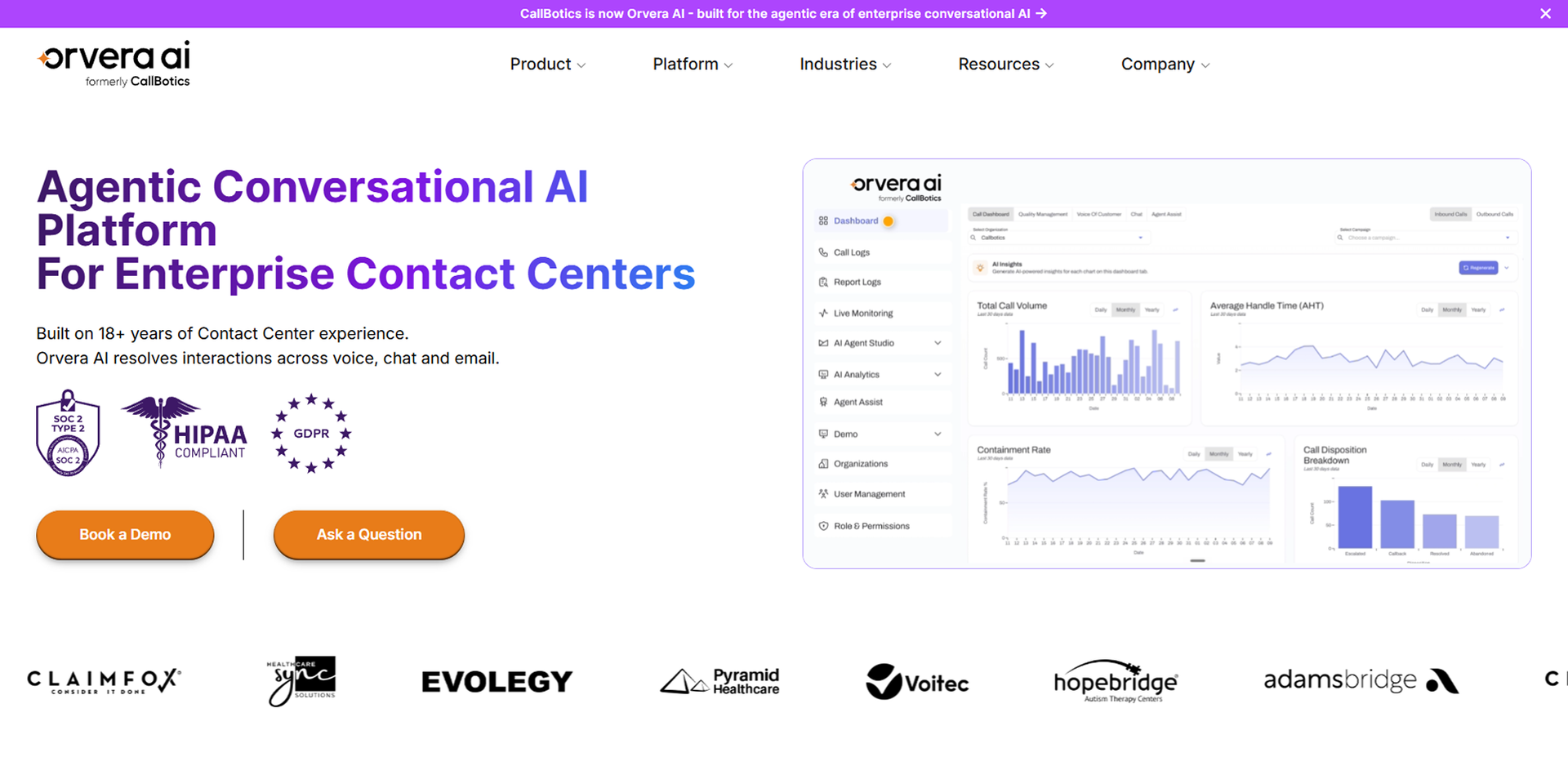
Orvera is best for enterprises, contact centers, support teams, and sales teams that want AI call handling and sentiment analysis working together. It fits teams that care about live call outcomes, customer emotion, human handoff, and operational visibility.
It is especially useful when leaders do not want sentiment data trapped in a report. They want those signals connected to call flows, escalation rules, dashboards, and contact center automation.
Orvera’s biggest strength is the link between Voice AI, sentiment detection, and live action. The system can detect sentiment changes during interactions, support adaptive responses, and help route calls when the conversation needs human judgment.
Orvera also supports custom dashboards, custom reports, AI Auto QA, human handoff, and integration-ready workflows. That gives contact center leaders a clearer view of customer emotion, call outcomes, and where the operation needs better scripts, rules, or rep support.
Highly complex enterprise workflows still need setup, process mapping, training, and customization. Sentiment logic has to match the business rules, escalation paths, customer risk levels, and industry language used by the team.
That is not a weakness in the product as much as a real deployment requirement. Buyers should prepare call examples, escalation rules, compliance requirements, and workflow owners before rollout so the AI agent reflects how the business actually works.
Observe.AI is a strong option for contact centers that want to connect conversation insights with quality assurance, coaching, compliance monitoring, and agent performance improvement. It works well when supervisors need more visibility into how customer conversations are handled.
For sentiment analysis, the value is in connecting customer emotion with QA review, coaching moments, and supervisor visibility. This helps teams move from random call sampling to broader conversation review.
Observe.AI is best for support teams and contact centers that prioritize QA, coaching, and performance management. It fits teams that want to understand what reps are doing well, where conversations break down, and where coaching can improve outcomes.
It is also useful for supervisors who need a consistent way to review conversations, monitor compliance, and identify repeated customer issues.
Observe.AI’s strengths include automated QA, conversation intelligence, coaching workflows, compliance review support, and agent performance trends. These capabilities help managers connect sentiment signals to coaching and operational improvement.
For teams with high call volume, broader QA visibility can reduce the risk of relying only on a small sample of reviewed calls.
Teams mainly looking for AI voice agents that automate complex live call workflows should check how Observe.AI fits their exact voice use cases. Some teams may still need to pair it with their existing contact center, telephony, or automation stack.
The right fit depends on whether the buyer’s main goal is QA visibility, rep coaching, live AI call handling, or all of these together.
CallMiner is a strong choice for teams that need detailed conversation analytics across large volumes of customer interactions. It is useful when leaders want to understand themes, intent, sentiment, compliance risks, and recurring customer pain points across voice and digital channels.
For sentiment analysis, CallMiner is useful when leaders want a deeper view of what customers are saying, how they feel, and which topics are driving contact center demand.
CallMiner is best for large enterprises with high conversation volume and mature analytics needs. It fits teams that want to mine conversations for trends, compliance issues, product feedback, service gaps, and customer experience risks.
It is a good fit when the goal is not only to label sentiment, but to understand why sentiment is changing across thousands or millions of interactions.
CallMiner’s strengths include deep analytics, topic detection, sentiment tracking, compliance visibility, and trend discovery. These are useful for teams that need to connect customer conversations with business decisions.
It can help leaders move beyond individual call review and understand what is happening across the full customer conversation base.
CallMiner may feel more complex for smaller teams or teams that do not have mature analytics workflows. The platform is strongest when the organization has enough conversation volume, reporting needs, and internal ownership to use the insights well.
Teams looking mainly for live AI voice agent automation should also check how CallMiner fits with their existing voice automation stack.
See how Orvera connects Voice AI with live sentiment signals.NICE CXone is a strong option for enterprises that want sentiment analytics as part of a broader contact center platform. It is built for teams that need routing, workforce management, quality management, analytics, and customer interaction intelligence in one enterprise environment.
For sentiment analysis, NICE CXone is useful when leaders want customer emotion data connected with routing, QA, workforce visibility, and broader service performance.
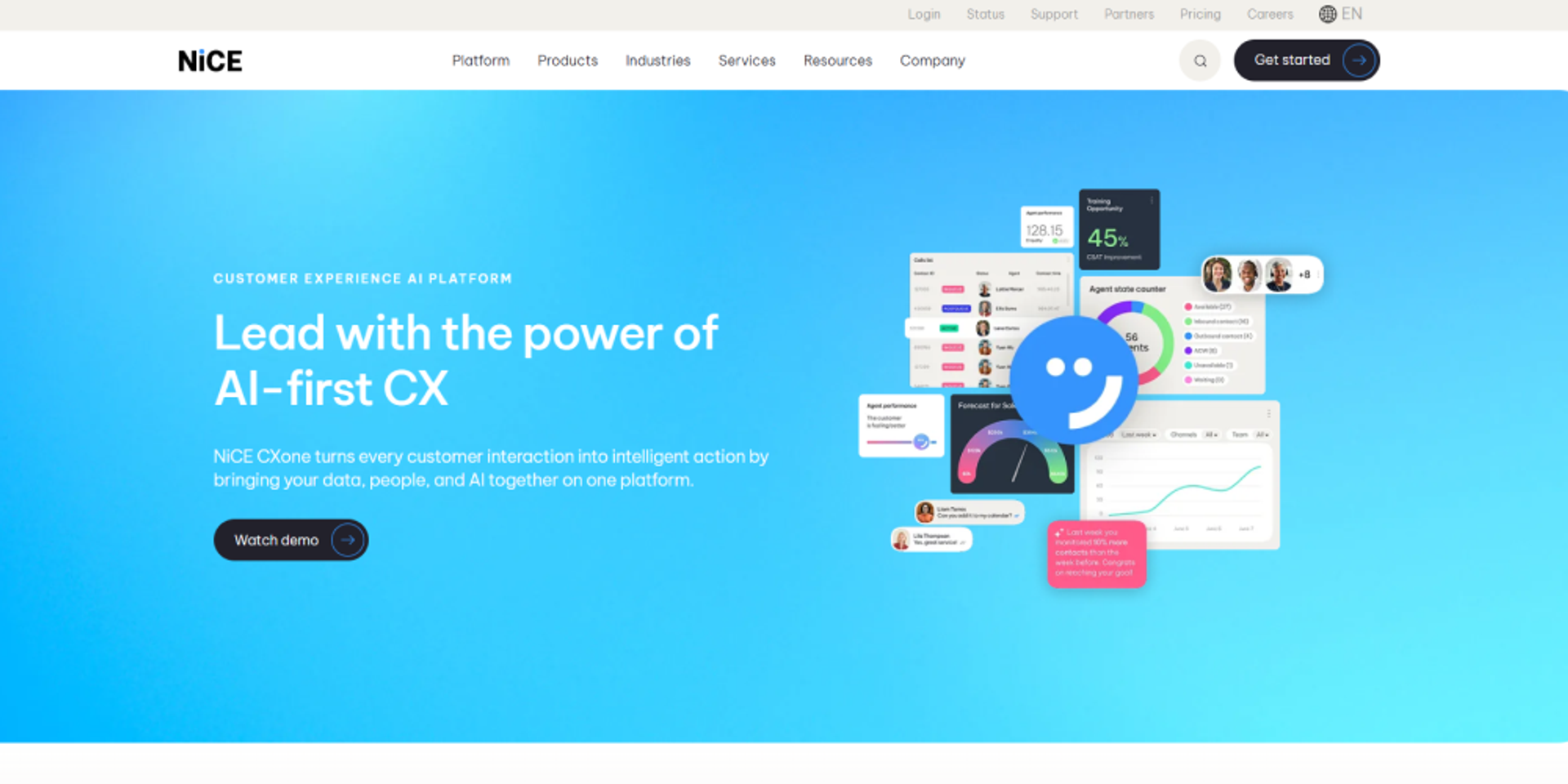
NICE CXone is best for large regulated teams in industries like finance, healthcare, insurance, and enterprise support. It fits organizations that already need a mature contact center platform, not a standalone sentiment tool.
It is also a fit for teams that want sentiment data to sit beside workforce, routing, quality, and performance data.
NICE CXone’s strengths include enterprise scalability, contact center analytics, workforce tools, quality management, routing, and compliance-friendly workflows. These capabilities are useful when sentiment analysis needs to support a larger operating model.
For mature contact centers, the value is in connecting customer emotion with operational decisions, supervisor visibility, and performance improvement.
NICE CXone may require heavier onboarding, configuration, and change management than lighter tools. It is usually better suited to mature enterprise environments with dedicated contact center technology owners.
Smaller teams should check whether they need the full platform or a more focused sentiment analysis tool.
Genesys Cloud CX is a strong option for enterprises that need sentiment visibility across voice, chat, digital support, routing, workforce data, and customer journeys. It fits teams that want sentiment analysis inside a larger omnichannel contact center environment.
This makes it useful for teams that need to analyze more than one channel and connect insights to contact center operations.
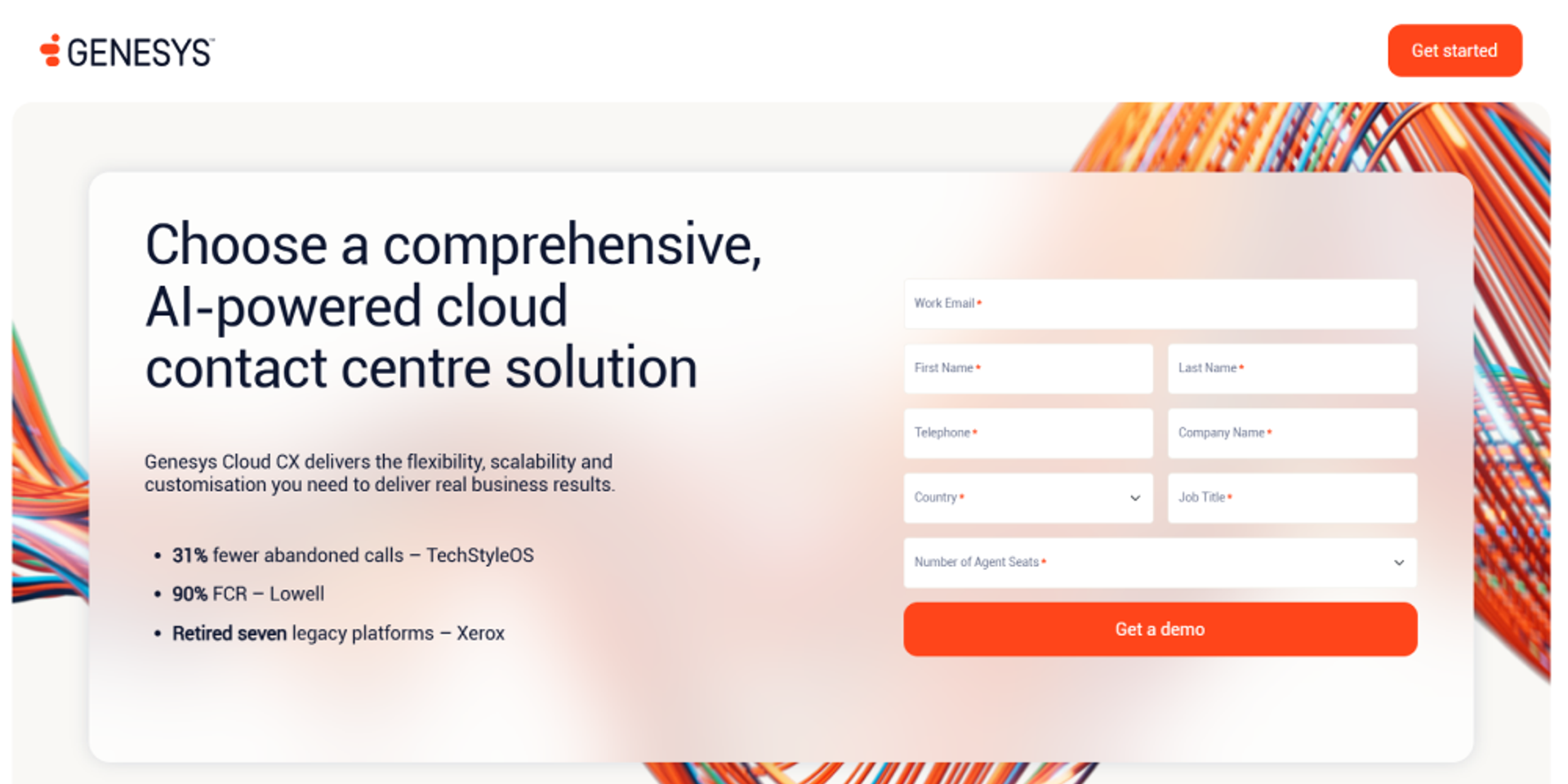
Genesys Cloud CX is best for global enterprises that need omnichannel analytics, scalability, and contact center management. It fits teams that handle customer conversations across voice, chat, messaging, and digital channels.
It is also useful when leaders want customer journey data, workforce data, and quality insights connected in one operating model.
Genesys Cloud CX’s strengths include omnichannel coverage, enterprise routing, speech and text analytics, workforce visibility, quality management, and AI-supported customer journeys. These capabilities help teams connect sentiment with broader contact center performance.
It works well for organizations that need to manage complex customer journeys across multiple teams, regions, and support channels.
Genesys Cloud CX can be more complex than lightweight sentiment analysis tools. Pricing, setup, configuration, and internal ownership may require more planning.
Teams should check which analytics, workforce, and AI features are included in their plan and which require additional configuration.
Talkdesk is a good option for teams that want modern contact center workflows, AI agents, sentiment-related insights, and customer service automation. It fits organizations that want to connect support operations with AI and real-time customer data.
For sentiment analysis, Talkdesk is useful when teams want customer emotion signals connected to modern contact center workflows and automation.
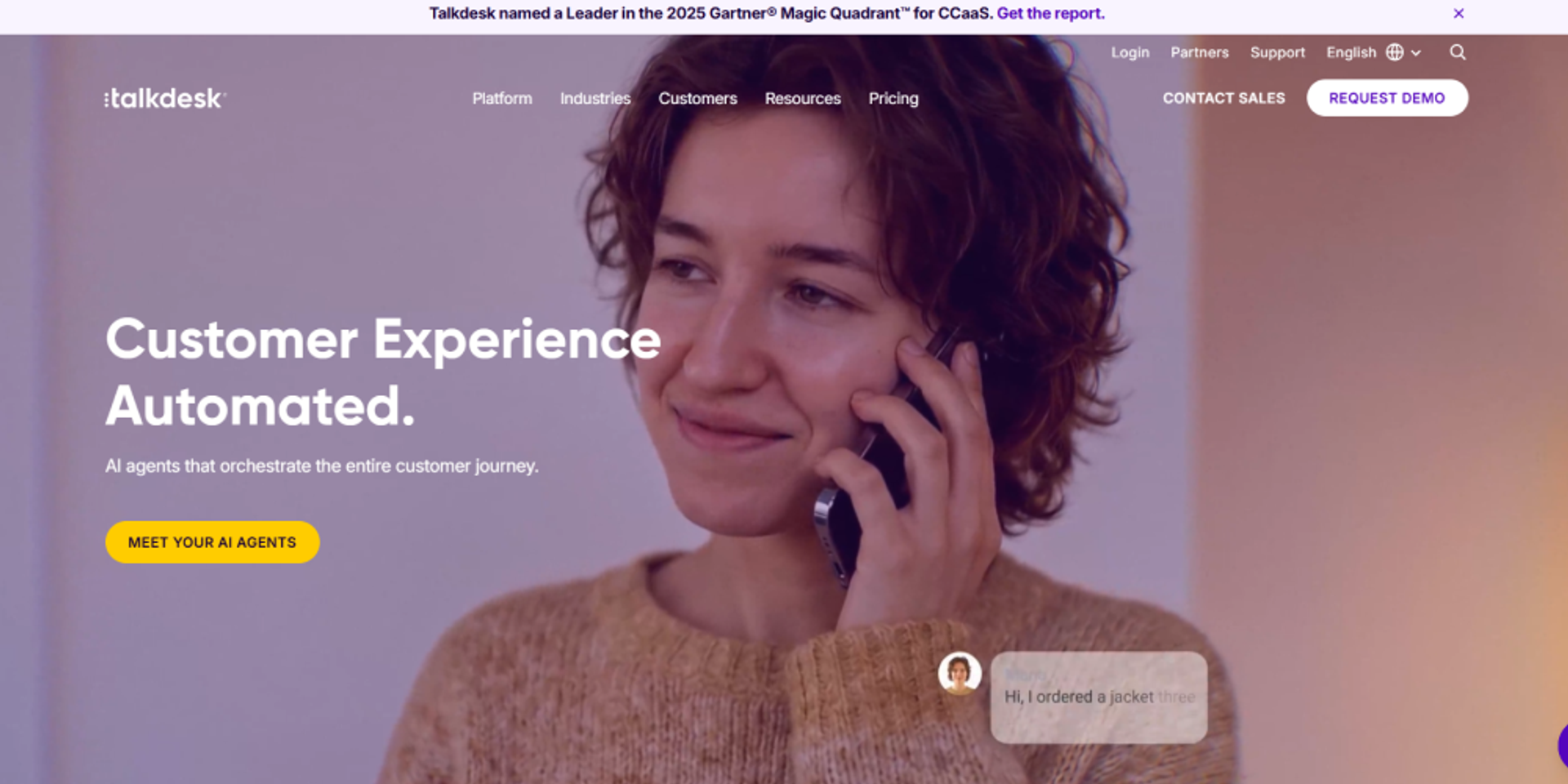
Talkdesk is best for mid-market and enterprise teams that want a modern contact center platform with AI capabilities. It fits teams that want to improve service workflows without building every process from scratch.
It can be useful for teams that need contact center automation, integrations, agent support, and analytics in one cloud environment.
Talkdesk’s strengths include modern user experience, AI workflows, contact center automation, sentiment-related insights, and integrations. These strengths matter when teams want AI to support real customer service workflows, not only reporting.
It is a practical fit for teams that want a contact center platform with AI built into the daily service operation.
Advanced AI and analytics capabilities may depend on the selected plan, configuration, or add-ons. Buyers should confirm which sentiment, reporting, automation, and integration features are included before choosing a package.
Teams with highly specialized workflows should also check how much configuration is needed before rollout.
Verint is a strong fit for enterprise teams that need sentiment analysis connected with workforce engagement, quality management, compliance, and operational analytics. It is useful when customer emotion is only one part of a larger performance and risk picture.
For sentiment analysis, Verint is useful when teams need customer emotion data tied to agent performance, compliance review, and operational reporting.
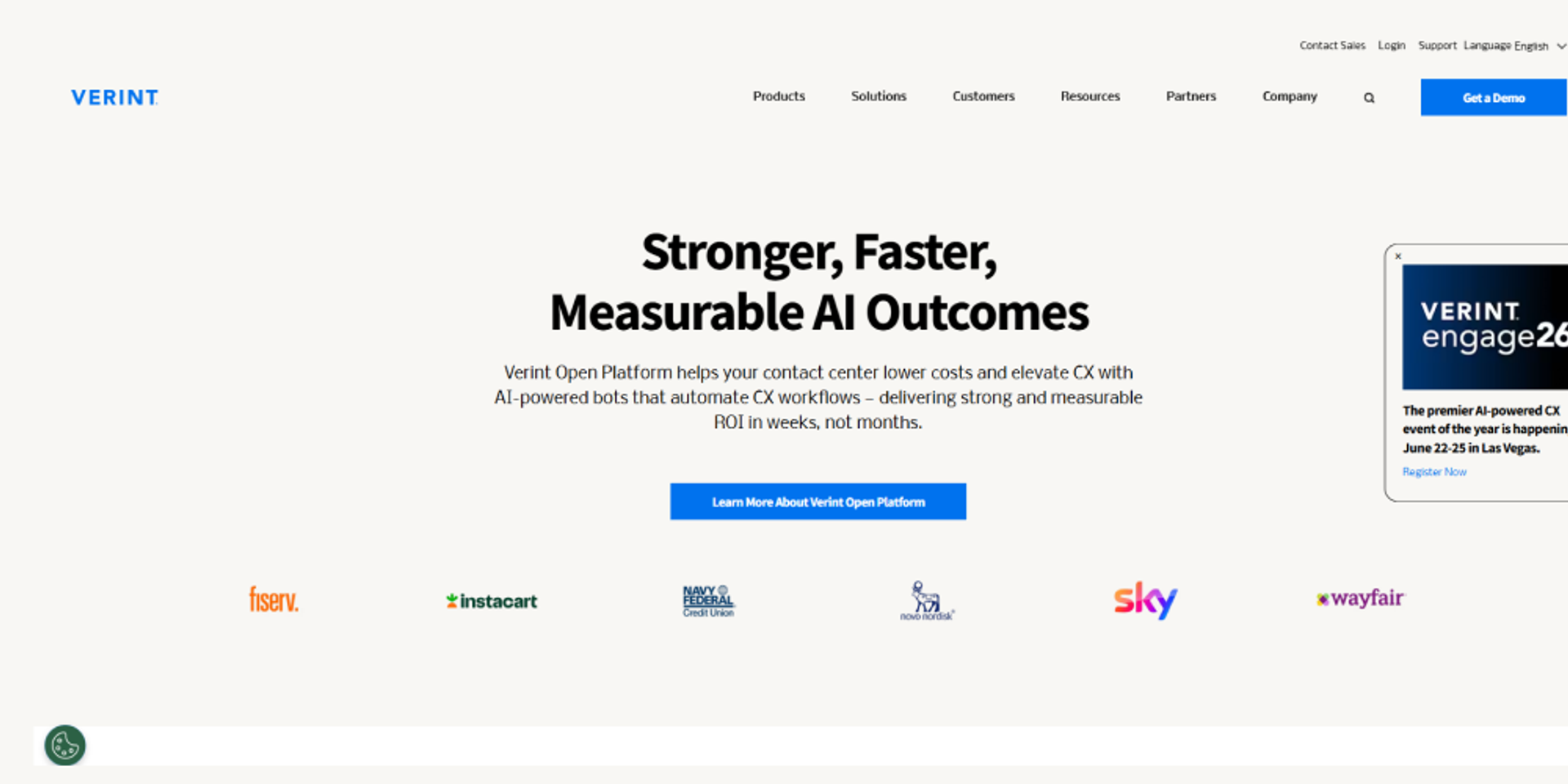
Verint is best for large contact centers with compliance, QA, workforce performance, and reporting needs. It fits industries where customer conversations need to be reviewed carefully and consistently.
It is also useful for organizations that want sentiment analysis connected to workforce engagement, quality programs, and compliance oversight.
Verint’s strengths include speech analytics, sentiment and emotion analysis, compliance monitoring, QA, workforce engagement, and enterprise reporting. These capabilities help leaders understand what customers are feeling and how teams are performing.
For regulated operations, the compliance and QA connection is often as important as the sentiment score itself.
Verint may be more complex than standalone sentiment analysis tools. It is built for broader enterprise customer engagement and workforce programs, so smaller teams may not need the full scope.
Buyers should check implementation requirements, reporting ownership, and how the platform fits their existing contact center stack.
Sprinklr Service is useful for enterprises that need sentiment analysis across social, messaging, digital support, and broader customer experience channels. It is a strong fit for brands that manage large volumes of customer conversations outside the traditional call center.
For sentiment analysis, Sprinklr is useful when teams need to understand customer emotion across public and private digital conversations.
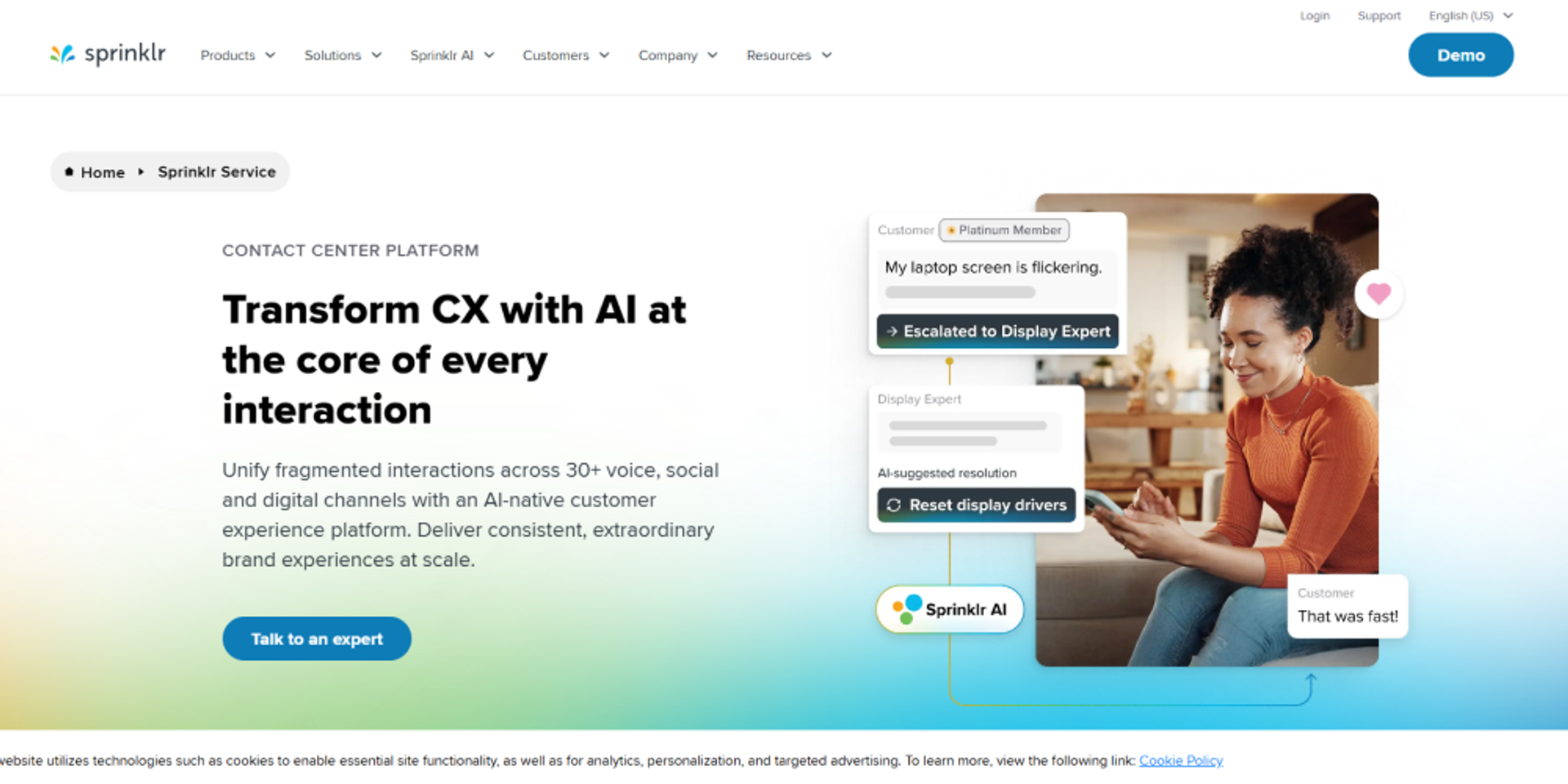
Sprinklr Service is best for brands with large digital support operations, high social volume, and messaging-heavy customer service. It fits teams that need a broad view of customer sentiment across channels.
It is especially useful for companies where social comments, direct messages, reviews, and support conversations all shape the customer experience.
Sprinklr’s strengths include broad channel coverage, social listening, digital sentiment analysis, customer engagement tools, and enterprise reporting. These are useful when teams need to spot negative sentiment before it becomes a larger brand or support issue.
It also helps teams manage customer conversations that are spread across many public and private channels.
Sprinklr may be less voice-first than platforms built mainly for Voice AI or speech analytics. Teams that need real-time live-call sentiment, AI voice agents, or deep call center speech analytics should review those requirements carefully.
The fit depends on whether the team’s biggest sentiment problem sits in digital channels, voice calls, or both.
Invoca is useful for teams that want to connect call sentiment and conversation intelligence with marketing attribution, revenue tracking, and buyer journey analysis. It works well when phone calls are a major conversion channel.
For sentiment analysis, Invoca is useful when teams want to connect how callers feel with whether they became a lead, booked an appointment, received a quote, or converted.
Invoca is best for marketing, sales, and revenue teams that depend on phone calls as conversion channels. It fits industries where buyers research online but finish the decision over the phone.
It is especially useful when teams need to prove which campaigns are driving quality calls and what happens during those calls.
Invoca’s strengths include call attribution, revenue intelligence, conversation analytics, sentiment signals, conversion insights, and campaign performance tracking. These capabilities help marketing teams connect call quality with campaign spend.
It is helpful when the main question is not only “Was the caller upset?” but also “Did the call drive revenue or show buying intent?”
Invoca may not be the best fit for teams that need full contact center workforce management or AI voice agent automation. It is stronger for marketing, revenue, and call attribution use cases.
Contact center teams should check whether Invoca meets their QA, routing, workforce, and live service automation needs or whether it should sit beside another platform.
Thematic is useful for teams that want to analyze customer feedback from surveys, reviews, tickets, calls, social, and open-text responses. It is a strong fit when the goal is to understand themes and sentiment across unstructured feedback.
For sentiment analysis, Thematic is useful when teams need more than a positive, neutral, or negative label. They need to know which themes are driving that sentiment.
Thematic is best for CX, Voice of Customer, product, and insights teams that want to understand customer feedback at scale. It fits teams that collect feedback from many sources but struggle to connect the comments into a clear story.
It is useful when leaders need to prioritize product fixes, service improvements, customer experience changes, or retention work based on repeated feedback themes.
Thematic’s strengths include text analytics, theme detection, feedback clustering, sentiment tracking, and Voice of Customer reporting. These capabilities help teams find repeated problems across surveys, reviews, tickets, calls, and social feedback.
It is especially useful when customer comments are spread across many systems and teams need one traceable source of insight.
Thematic is more feedback-analysis focused than live voice automation focused. Teams that need real-time call sentiment, AI voice agents, live escalation, or contact center routing may need to pair it with a Voice AI or contact center platform.
Thematic works best when the main need is to understand feedback patterns after customers have shared their comments.
Explore sentiment-aware escalation for contact centers.The right choice depends on where customer conversations happen, how sentiment insights will be used, and whether the business needs real-time action, contact center analytics, customer feedback analysis, or AI voice automation.
| Tool | Best use case | Core strength | Deployment fit | Ideal customer |
|---|---|---|---|---|
| Orvera | Voice AI and contact center sentiment analysis | Real-time sentiment detection connected to AI voice agents, escalation, and automation | Enterprise | Contact centers, support teams, sales teams |
| Observe.AI | QA and agent performance management | Automated QA, coaching, compliance monitoring, and sentiment visibility | Mid-market to enterprise | Contact center operations and QA leaders |
| CallMiner | Deep conversation analytics | Topic detection, sentiment analysis, intent tracking, and compliance insights | Enterprise | Large organizations with high conversation volume |
| NICE CXone | Workforce optimization and contact center analytics | Enterprise analytics, routing, workforce management, and sentiment insights | Enterprise | Regulated industries and large support organizations |
| Genesys Cloud CX | Omnichannel sentiment visibility | Customer journey analytics across voice and digital channels | Enterprise | Global contact centers and customer service teams |
| Talkdesk | AI-driven contact center workflows | AI automation, customer service workflows, and sentiment-related insights | Mid-market to enterprise | Customer support and service operations |
| Verint | Workforce engagement and compliance analytics | Speech analytics, QA, compliance monitoring, and workforce reporting | Enterprise | Compliance-focused contact centers |
| Sprinklr Service | Digital and social sentiment analysis | Omnichannel customer engagement and social listening | Enterprise | Brands with large digital support operations |
| Invoca | Marketing and revenue-focused call analytics | Call attribution, conversation intelligence, and sentiment signals | Mid-market to enterprise | CX, Voice of Customer, and product teams |
| Thematic | Customer feedback and VoC analysis | Theme detection, text analytics, and feedback intelligence | Mid-market to enterprise | CX, Voice of Customer, and product teams |
The best AI sentiment analysis tool should match how your contact center actually works. Start with the business goal, then check the channels, team size, integrations, reporting needs, and security requirements. A tool that looks strong in a demo may still fail if it cannot read the right conversations, connect to your systems, or give managers insights they can act on.
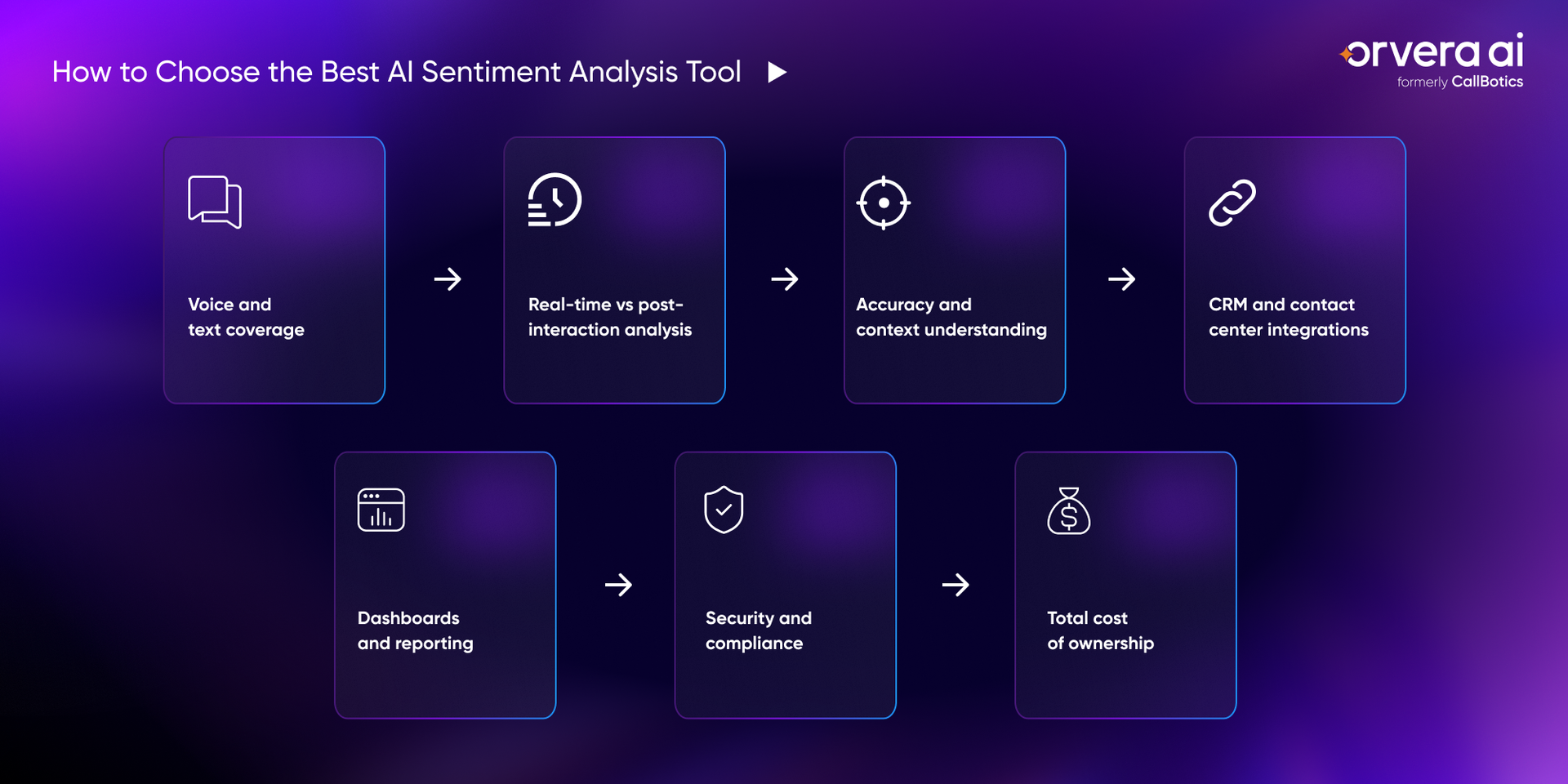
Start by checking which channels the tool can analyze. Some tools only review written text, such as chats, emails, tickets, surveys, and reviews. That may be enough for digital support teams, but it can miss a large part of the customer experience if most issues still happen over calls.
For contact centers, voice coverage matters because tone, pauses, urgency, and frustration often show up during live conversations. The right tool should help teams understand sentiment across the channels customers actually use, not only the channels that are easiest to measure.
Real-time sentiment analysis helps teams understand customer emotion while the conversation is still happening. This is useful when a caller is frustrated, confused, or at risk of escalating. It gives supervisors and reps a chance to act before the customer leaves unhappy.
Post-interaction analysis is still useful, but it solves a different problem. It helps teams review trends after calls, chats, emails, or tickets are closed. The best choice depends on whether the team needs live intervention, long-term reporting, or both.
Sentiment analysis should not judge emotion from keywords alone. A customer may say the right words and still sound upset. Another customer may use sarcasm, industry terms, or short replies that need context to understand correctly.
A strong tool should read tone, words, intent, and conversation history together. This matters in industries like healthcare, financial services, insurance, travel, and utilities, where the same phrase can mean different things depending on the customer’s situation.
Sentiment data loses value when it stays in a separate dashboard. Teams need those insights connected to customer records, tickets, agent workflows, and escalation rules. Otherwise, managers can see the problem, but reps may not have the context they need during the next interaction.
Integrations also help teams move from insight to action. For example, a negative sentiment signal can update a ticket, flag a customer record, route a call to a human rep, or trigger a follow-up workflow. The tool should fit into the systems the team already uses.
Managers need dashboards that show what is happening clearly. A good dashboard should help teams track sentiment trends, customer risk, agent performance, repeat issues, and workflow gaps without forcing leaders to dig through raw transcripts.
The reporting should also support coaching and operational improvement. Leaders should be able to see which scripts create confusion, which call types drive frustration, and where customers are most likely to need help from a human rep.
Enterprise teams should check how the tool handles customer data before they review features. Sentiment analysis may process call recordings, transcripts, tickets, emails, and customer records, so privacy and access control cannot be treated as afterthoughts.
Buyers should review compliance standards, user permissions, data retention rules, audit access, and how customer data is used. This is especially important for regulated industries where one weak data-handling process can create legal, security, and trust issues.
The license price is only one part of the cost. Buyers should also review setup cost, integration work, training time, analytics usage, reporting limits, support requirements, and the cost of scaling across more teams or channels.
A cheaper tool can become expensive if it needs heavy setup, extra reporting tools, or manual work from managers. The right tool should make the cost clear from the start and support long-term use without adding more operational burden.
Enterprise contact centers do not need another report that explains what went wrong after the customer has already left unhappy. They need a way to see customer emotion during the conversation, route sensitive calls with context, and turn sentiment patterns into better workflows. Orvera AI helps teams connect Voice AI, sentiment detection, escalation, and analytics so leaders can improve call outcomes without losing control of the customer experience.
Customer emotion often shows up before the customer says the exact problem. A caller may sound frustrated, rushed, confused, or close to giving up. Orvera helps contact center teams identify those signals while the call is still active, so leaders and reps are not forced to wait for a post-call review to understand what happened.
An AI agent should not treat every call the same way. A billing question, a complaint, and an urgent service issue need different handling. Orvera helps AI voice agents adjust conversation flows based on emotional signals, so routine calls can stay on track and sensitive moments can be handled with more care.
Some calls should not stay with software. When a conversation needs judgment, empathy, or risk review, the AI agent should hand it to a human rep with the right context attached. Orvera helps teams route sensitive conversations to reps so the customer does not have to repeat the issue from the beginning.
Sentiment data is only useful when it changes how the contact center runs. Orvera helps CX teams review customer emotion patterns across conversations and connect those patterns to scripts, workflows, training, and support quality. That gives leaders a clearer view of where customers are getting stuck and where teams need better guidance.
AI sentiment analysis is no longer just a reporting feature. It now helps teams understand customer emotion during calls, chats, emails, tickets, surveys, and reviews. That matters because frustration, urgency, and confusion often show up before a customer complains directly. The right tool helps teams spot those signals earlier, support reps better, improve escalation, and reduce the risk of losing customers.
For enterprises choosing an AI sentiment analysis tool in 2026, the focus should stay practical. Look for a platform that fits your channels, connects with your workflows, gives managers clear dashboards, and supports real action. The strongest tools do more than label sentiment as positive or negative. They help teams understand what happened, why it happened, and what to do next.

Anindita Majumder is a content and copywriter with about four years of experience across content writing, copywriting, and journalism. Her work has involved building and shaping content for global brands in B2B SaaS tech, healthcare, travel tech, edtech, and more. Her love for reading often spills into the way she ideates. Outside of work, she is a vocalist, which keeps her creativity flowing.
See how enterprises automate calls, reduce handle time, and improve CX with Orvera AI.
Orvera AI is an enterprise-ready conversational AI platform, built on 18+ years of contact center leadership experience and designed to deliver structured resolution, stronger customer experience, and measurable performance.