Automated Answering Services: 10 Options for Businesses in 2026
Ten automated answering services for 2026 compared on routing, AI capability, integrations, analytics and fit, with a plain guide to choosing between basic routing, AI answering and a hybrid.

Key highlights
TL;DR: In a Nutshell
- Automated answering services in 2026 include more than basic phone menus and now span auto attendants, IVR systems, virtual receptionists, and AI voice agents.
- The right option depends on whether your business needs simple call routing, deeper workflow handling, or AI answering that can manage tasks and reduce queue pressure.
- Basic automated answering tools work well for predictable routing, after-hours coverage, and voicemail capture.
- AI-powered answering services create more value when businesses need intent-based routing, real conversations, and smoother handoffs to human teams.
- Key evaluation factors include routing rules, AI capability, integrations, analytics, security controls, and pricing structure.
- The best-fit platform often depends on business size, call complexity, and whether the team wants a standalone phone system or a more advanced AI voice layer.
- The most important decision is not which vendor is most well-known, but which service best matches your call volume, workflow needs, and customer experience goals.
Businesses adopt automated answering services for a simple reason: missed calls are expensive. They create lost revenue, poor first impressions, after-hours gaps, and unnecessary pressure on front-desk or support teams. That problem gets worse during peak call periods, when even strong teams struggle to keep up with inbound volume.
Short answer: To find a system that answers caller questions, books appointments and routes calls, shortlist AI answering services or AI voice agents rather than basic auto attendants, unless your calls are simple and predictable. A menu-only system can route a call. Answering open-ended questions and booking appointments usually needs an agent that understands natural speech and connects to your scheduling system.
In 2026, automated answering means more than a basic phone menu. It can include auto attendants, IVR systems, AI receptionists, and AI voice agents that answer instantly, understand intent, route intelligently, capture key details, and in some cases complete tasks before a human ever joins the call. Providers now differ not just in how they route calls, but in how much real work they can handle and how much visibility they give your team afterward.
This guide compares the top automated answering services for businesses in 2026, explains what each one is best for, and helps you choose based on call complexity, operational needs, and budget fit.
What Is an Automated Answering Service?
An automated answering service is a phone system or call-handling service that automatically answers inbound calls, determines what the caller needs, and either routes the call, responds, or captures a message. In simple setups, that may mean a greeting and a menu. In more advanced setups, it can mean collecting caller details, answering questions, booking appointments, qualifying leads, or handing the call off with context already attached.
That difference matters because many products are sold under similar labels while doing very different jobs. Some are still routing-first. Others are service-first. Others are now AI-first and can do far more than pass the call to the next queue.
Automated Answering vs Virtual Receptionist vs IVR (Quick Clarity)
| Type | Main role | Best for | Typical functions |
|---|---|---|---|
| Automated answering | Routing | Simple call handling | Greetings, menus, routing, voicemail |
| Virtual receptionist | Front-desk support | Reception-style coverage | Greeting, Q&A, detail capture, routing |
| IVR | Workflow handling | Structured self-service | Data capture, logic, self-service, transfer |
These terms are often used interchangeably, but they do not describe the same thing. Understanding the difference helps prevent businesses from buying a phone menu when they actually need conversation handling, or buying a receptionist-style service when they really need workflow execution.
Automated answering (menu/routing-first)
This usually refers to auto attendants, business greetings, routing menus, voicemail capture, and business-hours logic. The main job is to answer reliably and send callers to the right department or inbox with as little manual effort as possible. This is still useful for many businesses, especially when call paths are predictable.
Virtual receptionist (service-first or AI receptionist)
A virtual receptionist can mean a human answering service or an AI receptionist that acts like a front desk. In 2026, more vendors are using AI receptionist language for products (opens in a new tab) that greet callers, answer common questions, capture details, route calls, and sometimes handle appointment-like workflows. Zoom Phone AI Receptionist is one example of this positioning.
IVR (workflow-first)
IVR goes beyond greeting and basic routing. It can collect information, apply business logic, support self-service, and move the caller through a structured flow before transfer or resolution. A modern AI-powered IVR may overlap with automated answering, but the core difference is depth: IVR is usually about structured workflow progression rather than just getting the caller to a person.
How Do You Test an Automated Answering Service Before You Buy?
A system that answers questions, books appointments and routes calls has to work out what the caller needs, connect to the tools where your calendar and customer records live, and hand the call to a person with the context attached.
Test every shortlisted service against four checks:
- Questions: ask it the five questions your callers ask most, in their own words, and confirm the answers come from your approved content.
- Booking: book, move and cancel a test appointment and confirm each change lands in your scheduling system without a manual step.
- Routing: ask for something it should not handle and check that it transfers by intent, with a summary the person picking up can read.
- After hours: call outside business hours and confirm it still answers, books and captures what it cannot resolve.
A basic auto attendant answers after hours and routes from a menu, but it does not answer open-ended questions, book appointments or pass a summary to the person who picks up. AI answering services and AI voice agents are designed for all four checks, which is why the comparison below separates basic routing tools from AI answering.
What to Look for in an Automated Answering Service in 2026
Choosing the right answering service is less about the label on the homepage and more about how the system behaves once calls start coming in. A useful comparison should look at routing quality, AI capability, integrations, operational visibility, and pricing structure, not just whether the product can greet callers.
Call routing and business hours rules
At a minimum, businesses should look for multi-level menus, business-hours logic, holiday schedules, failover routing, voicemail handling, and clear admin controls. This remains the baseline for any modern business phone setup, especially for distributed teams and multi-location organizations. RingCentral, Nextiva, GoTo Connect, Ooma Office, and Dialpad all emphasize routing, business rules, and auto attendant capabilities in this category.
AI capability (route vs resolve)
This is where the market starts to split. Some tools still mainly route calls. Others can answer questions, qualify leads, book appointments, support workflows, and route with intent and summaries. If the business needs reduced transfers and fewer repeat explanations, AI capability matters far more than menu depth. Orvera AI, Dialpad AI Agent, and Zoom Phone AI Receptionist are stronger in this regard than basic auto-attendant products.
Integrations with your tools
The most useful answering systems connect with CRM (opens in a new tab), helpdesk, scheduling, ticketing, or internal systems so they can do more than route. Integrations reduce manual work and make call handling more operationally useful. Dialpad highlights marketplace and AI-powered workflows, RingCentral emphasizes integrations in its plans, and Orvera positions workflow execution and dynamic transfer as core features.
Call summaries, transcripts, and analytics
Reporting matters because the quality should improve over time. Analytics, transcripts, summaries, and call trend visibility help teams spot missed-call patterns, routing issues, and script gaps. Zoom Phone AI Receptionist explicitly highlights reporting and analytics, Dialpad emphasizes live transcription and post-call summaries, and 8x8 positions analytics as part of its business communications platform.
Security and compliance basics
Businesses handling sensitive customer data should evaluate permissions, recordings, retention controls, and how the product manages access to transcripts and call data. Production deployments also need clarity on compliance posture and governance, especially in regulated workflows. Orvera is SOC 2 Type II certified, HIPAA compliant and GDPR compliant, while major UCaaS platforms also emphasize admin and control layers.
Pricing model and hidden fees
Automated answering services can be priced per user, per minute, per line, as a platform bundle, or as negotiated custom quotes (opens in a new tab). The key is understanding what is included, what counts as billable usage, and whether AI or receptionist-style features are add-ons. Grasshopper, GoTo Connect, RingCentral, Dialpad, Ooma, and Vonage all offer different pricing structures, making apples-to-apples comparisons difficult without looking beyond the headline price.
Want answering that resolves the call? Explore Orvera to see AI agents built, deployed and run for you. (opens in a new tab)Top 10 Automated Answering Services for Businesses in 2026
This list combines business phone platforms, auto attendant tools, AI answering products, and modern virtual receptionist-style solutions. Each option below includes what it is best for, where it stands out, and where it fits best in real business use.
1) RingCentral
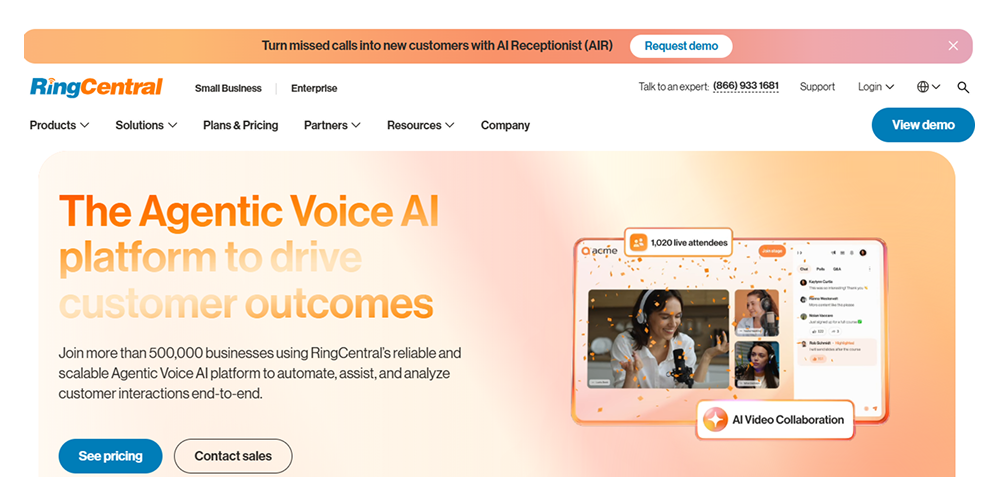
RingCentral remains a strong option for large businesses that need dependable phone infrastructure, administrative controls, auto-attendant features, and multi-location support. Its RingEX platform includes a built-in auto-attendant, advanced call routing, templates, bulk user setup, and broader unified communications capabilities. It is especially useful when the business already needs a mature UCaaS stack and wants to embed automation into that broader environment.
Best for: Larger organizations needing established business telephony with strong routing controls
What makes it different: Mature admin controls, multi-location support, bundled UCaaS, built-in auto attendant
Where it fits well: Large phone deployments, distributed organizations, formal IT-managed environments
Considerations: Fits teams that want routing and phone infrastructure first, with AI Receptionist as an add-on
Pricing: Per-user subscription
As of October 31, 2026, RingCentral's pricing page (opens in a new tab) lists RingEX Core at $20 per user a month paid annually for 1 to 5 users, and AI Receptionist starting at $39.
2) Nextiva
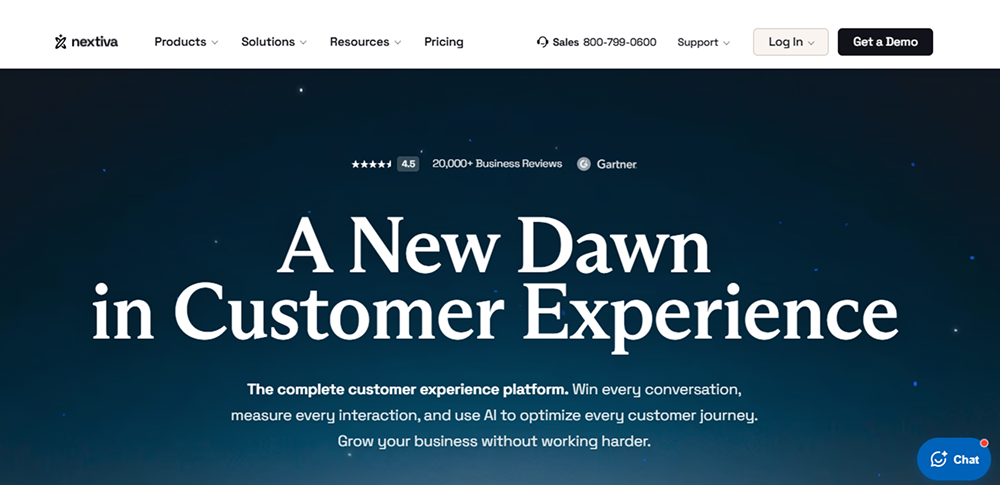
Nextiva positions itself as a full customer experience platform combining business phone, contact center, AI receptionist, and unified CX. Its auto attendant capabilities are straightforward and useful for businesses that want virtual receptionist-style answering within a broader business communications stack. It is a good fit for teams that want a single platform for voice, customer communications, and basic automation without moving to a more AI-native deployment model.
Best for: Businesses that want one platform for calling, routing, and broader customer communications
What makes it different: Unified CX positioning, auto attendant, phone system, plus broader workflow tooling
Where it fits well: SMB and larger teams consolidating communications tools
Considerations: Fits teams that want an all-in-one platform, with XBert and an AI Voice Agent on top
Pricing: Subscription / plan-based
As of October 31, 2026, Nextiva's pricing page (opens in a new tab) lists NEXT Core at $15 per user a month billed annually, with XBert AI at $1.50 per conversation.
3) Dialpad
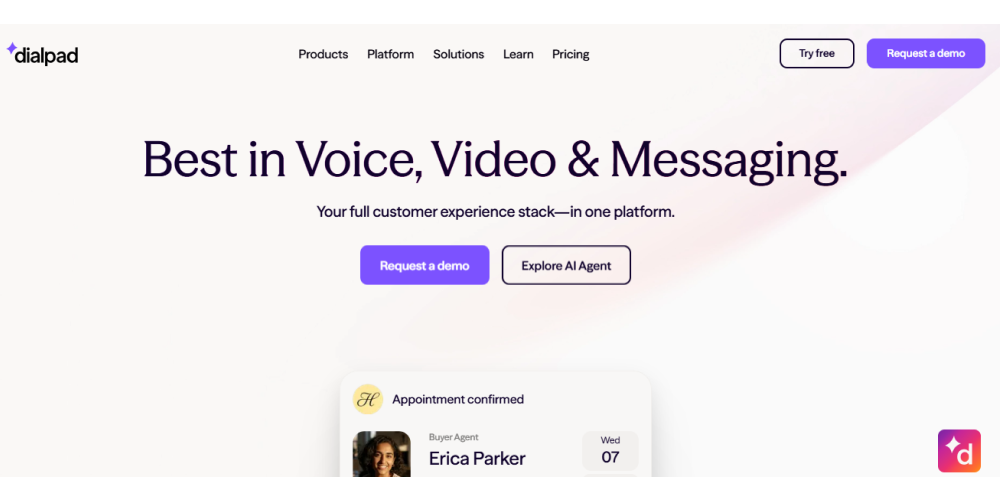
Dialpad is a strong option for teams looking for a modern phone and contact center platform with embedded AI. It offers multi-level auto attendant, live transcription, post-call summaries, and an AI Agent product for autonomous voice and chat coverage. This makes it stronger than traditional phone providers on AI-assisted interaction quality, while still fitting into a familiar business communications environment.
Best for: Teams that want modern calling with built-in AI visibility and optional AI agent expansion
What makes it different: Live transcription, summaries, AI-native positioning, auto attendant, AI Agent offering
Where it fits well: Growing support and sales teams that want smarter calling without leaving UCaaS
Considerations: AI depth depends on product tier and deployment model
Pricing: Per-user with product-based add-ons
As of October 31, 2026, Dialpad's pricing page (opens in a new tab) lists Connect Standard at $15 per user a month on annual billing and AI agents at custom, conversation-based pricing.
4) 8x8
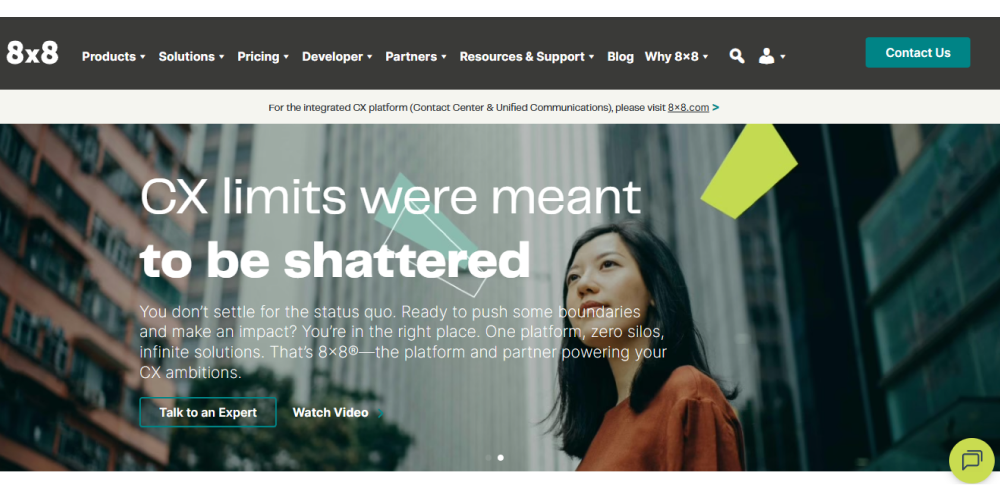
8x8 is a practical choice for global organizations and distributed teams that need flexible business communications and analytics across regions. Its mix-and-match packaging, contact center options, and business phone analytics make it suitable for companies with more complex geographic requirements or broader communications environments. It is particularly relevant when international operations matter more than the depth of front-desk AI answering.
Best for: International businesses and distributed teams
What makes it different: Global communications posture, analytics, mix-and-match packaging
Where it fits well: Multi-region operations and international business phone deployments
Considerations: Strong global fit, but less specialized around AI receptionist-style answering
Pricing: Custom / quote-based
As of October 31, 2026, 8x8's pricing page (opens in a new tab) lists contact center, unified communications and communications API packages that mix and match into a custom plan, with quotes through sales.
5) Zoom Phone
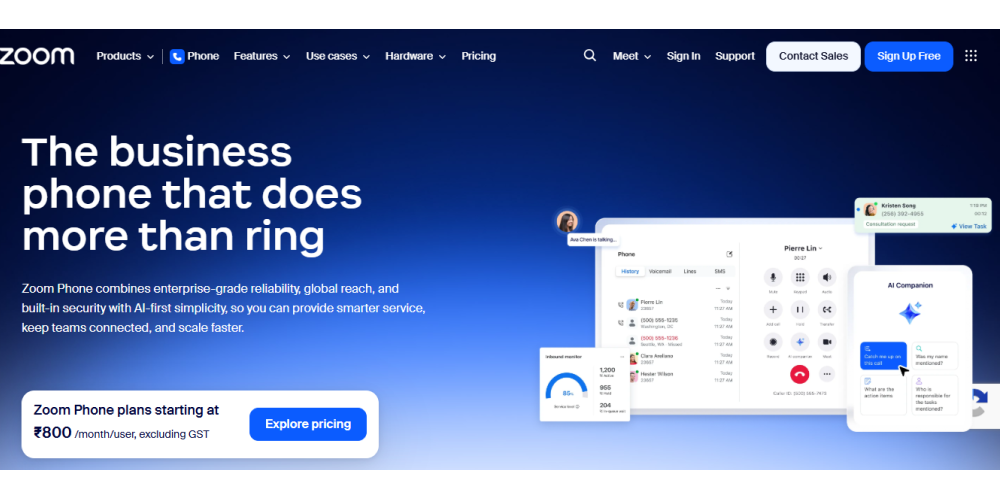
Zoom Phone is a practical option for businesses already invested in the Zoom ecosystem. Its Zoom Virtual Agent Receptionist fits front-desk-like answering, FAQs, intent-based routing, call analytics, and appointment-style workflows. For teams already using Zoom heavily, this reduces change management and simplifies rollout.
Best for: Teams already standardized on Zoom
What makes it different: Native Zoom fit, AI receptionist functionality, analytics, routing, plus FAQ handling
Where it fits well: Companies wanting light-to-moderate AI answering inside an existing Zoom stack
Considerations: Zoom's page says the receptionist works with any phone provider, and it fits teams already on Zoom
Pricing: Standalone plan, or per-minute with Zoom Phone
As of October 31, 2026, Zoom's AI Receptionist product page (opens in a new tab) lists appointment booking, question answering and call routing, with a Zoom Phone pairing starting at $0.25 per minute billed annually.
6) Vonage
Vonage is the best fit for teams that want programmable communications and custom integrations rather than a fixed, out-of-the-box answering experience. Its business communications platform and API pricing posture make it attractive for organizations with developer resources or custom workflow needs. This is less about turnkey receptionist simplicity and more about flexibility.
Best for: Teams that want programmable voice and custom workflow handling
What makes it different: Strong API posture, customization flexibility, usage-based API options
Where it fits well: Product teams, embedded voice experiences, tailored call flows
Considerations: Better for technical customization than plug-and-play receptionist needs
Pricing: Mix of subscription and usage-based API pricing
As of October 31, 2026, Vonage's API pricing page (opens in a new tab) lists usage-based pricing for all its APIs, with Voice API calls as low as $0.01538 per minute using a PSTN leg.
7) Grasshopper
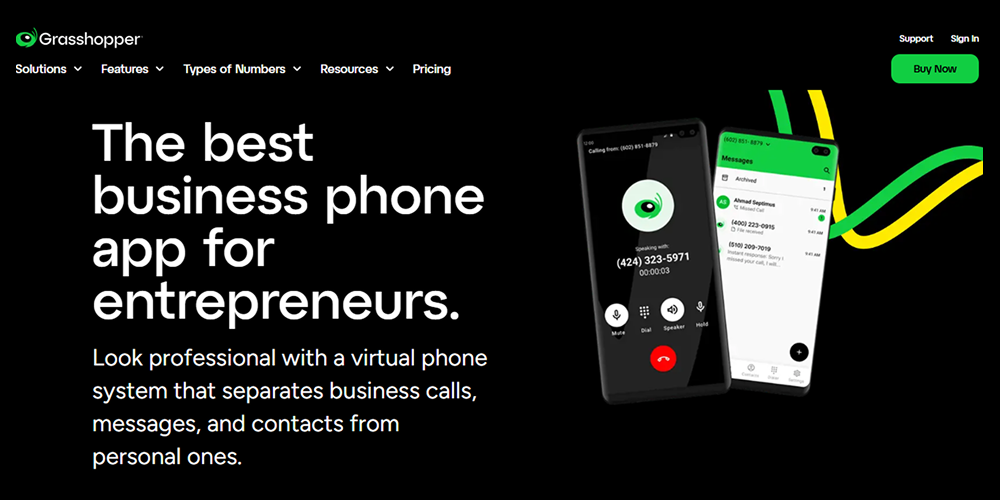
Grasshopper remains one of the simplest options for small businesses that mainly need a professional phone presence, basic routing, voicemail, and after-hours handling. It is not trying to be a full AI answering platform. Its value is simplicity, low setup complexity, and small-business-friendly packaging.
Best for: Small businesses that need simple routing and voicemail handling
What makes it different: Straightforward setup, lower complexity, small business focus
Where it fits well: Solo operators, small teams, simple front-desk coverage
Considerations: Limited to businesses that need deeper workflows or AI resolution
Pricing: Flat plan subscription
As of October 31, 2026, Grasshopper's homepage (opens in a new tab) lists a virtual phone system with plans starting as low as $14 a month and a choice of monthly or annual billing.
8) Ooma Office
Ooma Office is a practical choice for businesses that want a virtual receptionist and basic business phone features without unnecessary complexity. Its virtual receptionist and plan structure are easy to understand, which makes it attractive for smaller operations that need dependable routing and answering without moving into more advanced AI handling.
Best for: Businesses needing straightforward menu-based answering
What makes it different: Virtual receptionist simplicity, approachable setup, predictable small business fit
Where it fits well: SMBs with clear department routing and moderate call complexity
Considerations: Fits classic auto attendant needs, with AI Answering Service and AI Receptionist as add-ons
Pricing: Per-user subscription
As of October 31, 2026, Ooma's plans page (opens in a new tab) lists Office Essentials at $19.95 per user a month, Pro at $24.95 and Pro Plus at $29.95, with Virtual Receptionist on each plan.
9) GoTo Connect
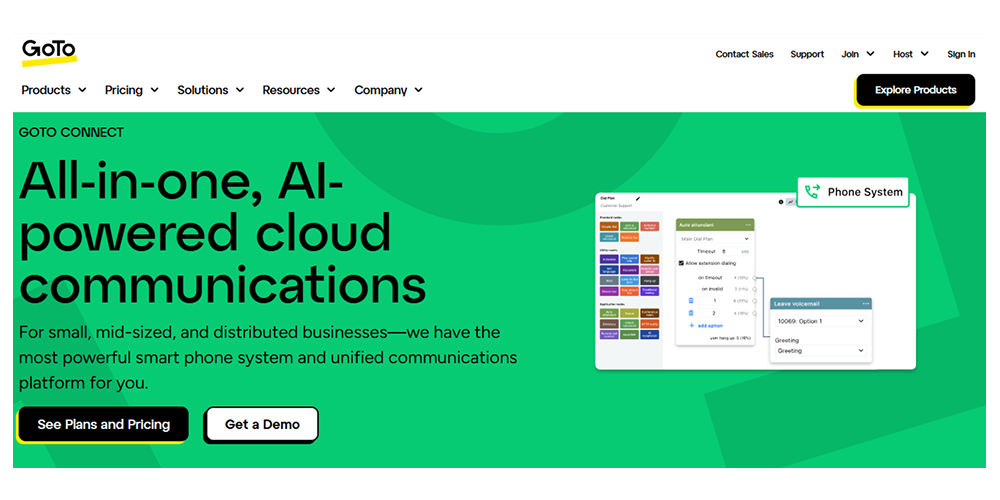
GoTo Connect is a strong option for teams that want reliable cloud telephony with easy administration, unlimited auto attendants, customizable dial plans, and a relatively simple management experience. It is a good fit for organizations that need a solid phone-and-routing layer without overcomplicating deployment.
Best for: Teams that want a reliable business phone and routing with simple management
What makes it different: Unlimited auto attendants, customizable dial plans, clean admin experience
Where it fits well: Small and mid-sized businesses, distributed teams, operationally simple routing setups
Considerations: Strong on phone system management, with a 24/7 AI Receptionist as an add-on
Pricing: Subscription / sales-led
As of October 31, 2026, GoTo Connect's pricing page (opens in a new tab) lists unlimited auto attendants and dial plans on every plan, AI Receptionist as an add-on or in CX Complete, and pricing through sales.
10) Orvera AI (our product)
Orvera fits businesses that want AI agents to answer and finish the call. Its positioning is resolution-first: instant answering, dynamic call transfer, appointment booking, workflow execution, summaries, and end-to-end automation across voice, chat and digital channels. It suits teams that want intent-based answering, real task handling, and smoother handoff to humans with context preserved. Orvera also emphasizes 3 to 6 week deployment, production readiness, and operational visibility.
Best for: Businesses that want AI answering with resolution-oriented workflows
What makes it different: Intent-based routing, dynamic transfer, workflow actions, appointment handling, summaries, and an agentic AI platform for customer experience behind it
Where it fits well: High-volume customer support, scheduling, intake, triage, and overflow coverage
Considerations: Best fit when the business needs AI voice workflows
Pricing: Shared on a scoped call
Which Option Should You Choose? (Simple Guide)
The right choice depends less on brand recognition and more on how your calls actually behave. The most important variables are call volume, call complexity, staffing model, and whether the business needs routing only or real resolution.
Choose basic automated answering if…
Choose a basic automated answering system if your main need is greeting callers, routing them to a few predictable destinations, handling after-hours calls, and capturing voicemail reliably. Businesses with simple call paths and limited front-desk complexity often do not need AI-first infrastructure.
Choose AI call answering if…
Choose AI call answering if the business deals with high call volume (opens in a new tab), repeated customer questions, long queues, transfer friction, appointment workflows, or structured service interactions that can be partially or fully automated. This is where AI voice creates the most measurable value, because it can understand intent, collect context, resolve simple requests, and improve handoffs.
Choose a hybrid approach if…
Choose a hybrid setup if some calls are simple and predictable while others are more ambiguous or workflow-heavy. In many businesses, the best answer is not replacing everything. It uses basic routing for simple department selection, while AI handles more complex intents, overflow calls, after-hours intake, and high-friction workflows.
Want to see how an agentic AI platform fits into modern answering workflows? Explore Orvera. (opens in a new tab)How Orvera Helps Businesses Modernize Automated Answering
Modernizing automated answering means moving beyond static menus and missed-call containment. It means answering instantly, understanding what the caller needs, collecting the right context, resolving common requests where possible, and transferring with enough detail that the human team can take over without restarting the interaction. That is where Orvera is strongest. Developed by teams with 18+ years of contact center experience, it is built for businesses that want answering to improve customer experience and operational efficiency.
What makes Orvera different:
- Instant AI voice answering for inbound call coverage
- Intent-based routing that goes beyond menu trees
- Workflow execution for appointment booking, intake, and structured call handling
- Smart handoffs with summaries and caller context
- Real-time visibility into call performance and outcomes
- Production-ready deployment designed for high-volume environments
- Faster modernization path for businesses moving beyond basic auto attendants
Conclusion
The best automated answering service in 2026 depends on what you want the system to do after it picks up the call. If the goal is simple routing, voicemail, and hours-based menus, traditional auto attendant platforms may be enough. If the goal is to understand intent, handle structured requests, reduce queue pressure, and improve customer experience across more complex interactions, AI answering becomes the stronger choice.
That is why this category now matters more than ever. Businesses are no longer choosing only between phone vendors. They are choosing between basic call distribution and modern answering systems that can actively improve how customer interactions begin. For teams dealing with missed calls, after-hours gaps, peak demand, or repetitive intake workflows, that difference has direct operational value.
Frequently asked questions
An automated answering service is a system that automatically answers inbound calls, determines what the caller needs, and then routes, responds to, or captures a message without requiring a live person to pick up first.
Not always. Auto attendants are one type of automated answering service, but modern automated answering can also include IVR systems, AI receptionists, and AI voice agents that do more than basic routing.
Yes. In 2026, many automated answering services now include AI voice capabilities that can answer questions, collect details, qualify callers, route by intent, and support basic workflows before a human joins.
Costs vary based on the product type and pricing model. Some are priced per user, some per plan, some per minute, and some through custom quotes. The real cost usually depends on routing depth, AI capability, integrations, and usage.
Look at routing quality, business-hours rules, AI capability, integrations, transcripts and analytics, security controls, and whether pricing includes hidden usage or feature-based add-ons.
Look for an AI answering service or AI voice agent rather than a basic auto attendant. Test it on your callers' most common questions, book and cancel a test appointment to confirm it writes to your scheduling system, and check that it transfers callers by intent with a summary attached. A menu-only system routes calls from a menu and usually cannot handle open-ended questions or bookings.
A simple answering service answers calls with a greeting, then forwards them, routes them through a short menu, or takes a voicemail. It suits businesses whose calls are simple and predictable. Handling open-ended questions and booking appointments without a person on the line is what AI answering services add.
An automated receptionist is software that answers a business phone line the way a front desk would. It greets the caller, works out what they need, and routes the call or takes a message. AI versions also answer common questions, book appointments, and hand the call to a person with a summary.
Written by
Anindita Majumder
Anindita Majumder is a communications professional with nearly four years of experience in public relations, corporate communications, and journalism. She creates content that helps brands communicate their vision, products, and expertise through press releases, thought leadership, and editorial pieces. Outside of work, she is a vocalist, which keeps her creativity flowing.